Safe Browser Gaming on School and Work Networks
"Unblocked games" is a popular search phrase, but the safest way to think about it is simple: play only where games are allowed, use normal browser pages, and never install extra software just to access a game.
This guide is not about getting around school, workplace, or public-network rules. It is about choosing safer browser games when you are on a network where casual play is permitted.
What "Unblocked" Should Mean
A safe unblocked game page should work like a normal website:
- It loads over HTTPS.
- It does not ask you to install a plugin, app, VPN, or browser extension.
- It does not require a login for casual play.
- It has clear privacy and contact pages.
- It works in a modern browser without special settings.
If a page asks you to download something before you can play, close it. That is the biggest warning sign.
What Not to Do
Do not use VPNs, proxies, DNS tricks, or browser extensions to get around a network policy. Managed networks usually have those rules for security, bandwidth, or classroom/workplace focus. Trying to bypass them can create account, device, or disciplinary problems.
If a game page is blocked, the right options are to play later on a personal network, ask an administrator, or choose a permitted activity.
Safe Checks When a Game Will Not Load
If you are on a network where games are allowed but the page is not loading, try these basic fixes:
- Refresh the page once.
- Confirm the address starts with
https://. - Try a modern browser such as Chrome, Safari, Firefox, or Edge.
- Close heavy tabs that may slow the browser down.
- Clear the browser cache if the page recently changed.
These steps fix ordinary loading problems without bypassing any rule.
Good Browser Games for Short Breaks
The best break-friendly games start quickly, have simple controls, and do not require an account.
Tap Road
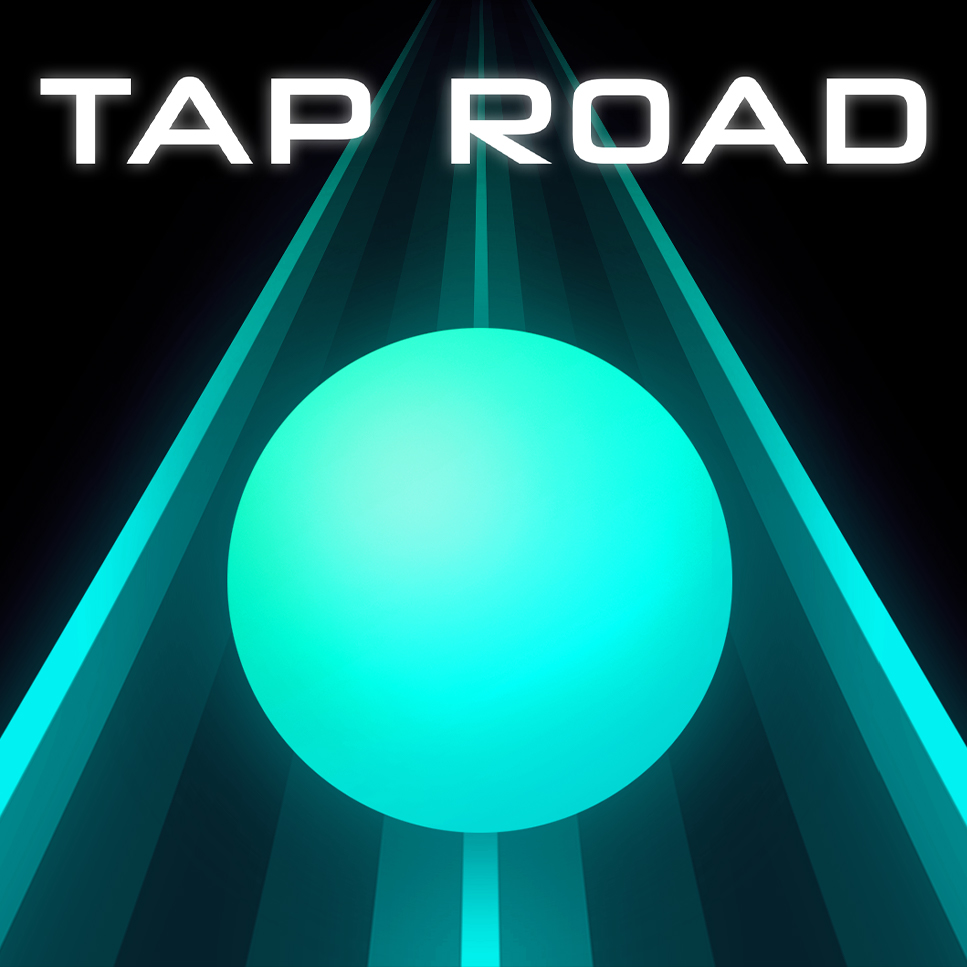
Tap Road is a one-tap neon runner built around fast restarts and personal-best chasing. A run can last under a minute, so it works well when you only have a short break.
Skip It
Skip It is a simple timing game. It is easy to understand, but the rhythm gets challenging quickly.
Golf Hit
Golf Hit is more relaxed. It plays like a physics puzzle, so it is a better pick when you want something slower than a reflex runner.
2048 Rogue
2048 Rogue mixes tile-merging strategy with light progression. It is a good choice if you want a browser game that feels more like a puzzle than an arcade challenge.
How to Play Responsibly
Casual games are best treated as short breaks, not background distractions.
- Do not play during instruction, meetings, or active work.
- Mute the game if other people are nearby.
- Stop if the game starts pulling attention away from what you need to finish.
- Never enter personal information on a game page.
- Respect the local network policy.
Why Browser Games Are Safer Than Downloads
A normal HTML5 browser game runs inside the browser. That means you should not need an installer, unknown file, or extra permission prompt. This is one reason modern browser games are usually a better choice than random downloadable game files from unfamiliar sites.
That does not make every game site safe. Still look for HTTPS, clear pages, no misleading buttons, and no forced downloads.
Start Here
You can play Tap Road, browse the full games library, or read the dedicated Tap Road unblocked guide for more loading and safety notes.